Notion Systems · Independent Realtor
Realtor OS
A busy realtor was paying $800 a month for a big-box CRM that spit out impersonal results — mass blasts and noisy dashboards, with almost nothing about the people themselves. His business runs on high-ticket clients and real relationships, and the expensive tool wasn't built for either.
In one weekend, I built him a personal CRM in Notion — built around relationships, not mass blasts. Every client has a story, a priority, and a next step. He speaks updates into his iPhone, and an AI agent preps tomorrow's follow-ups overnight. All from his phone, for $24 a month.
Idea to working CRM
Replaced an $800/mo CRM
To add a lead from the phone
Missed follow-ups buried in spreadsheets
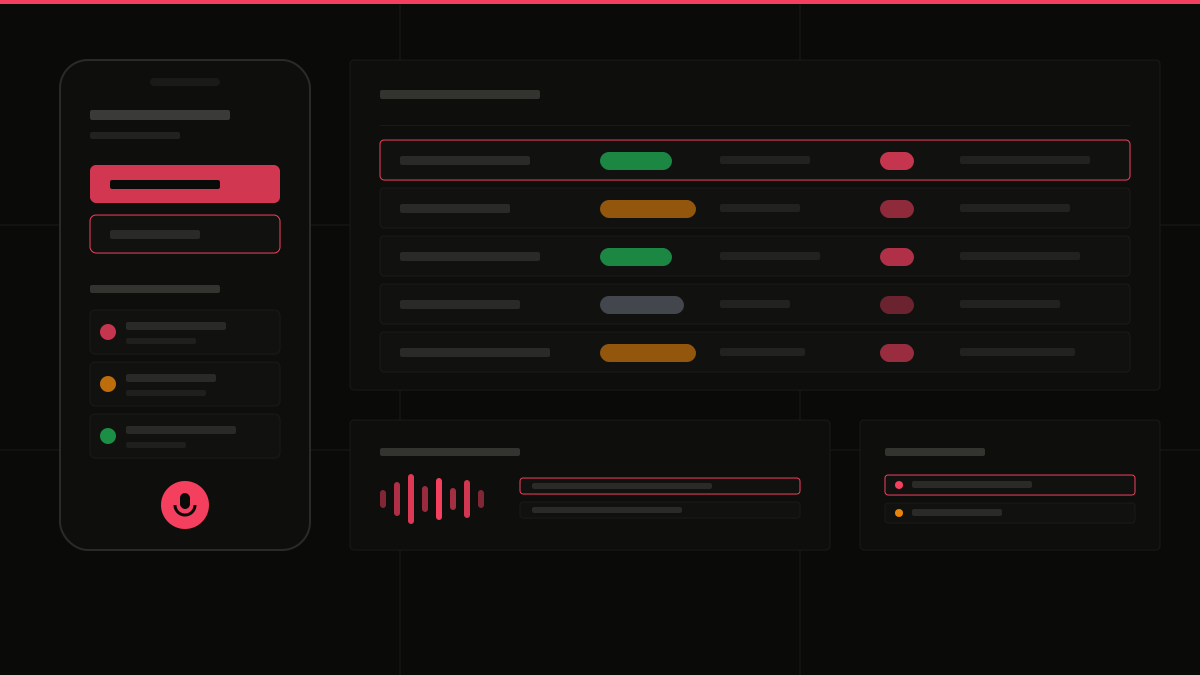
What Was Built
Daily Dashboard
Every morning, one view shows exactly who needs a call today — with their priority rating and the note from the last conversation. No digging, no guessing.
Lead Pipeline
Every lead lives in one place, sorted by stage — Active, Under Contract, or Nurture — and color-coded so the whole pipeline reads at a glance. Each contact has a 1–10 priority score and a follow-up due date.
Drag-and-Drop Board
The same pipeline as a simple board. Moving a lead from Nurture to Active is one drag. A bird's-eye view of every deal and where it sits.
Follow-Up Calendar
Meetings and follow-up deadlines show up on a dedicated calendar, so no callback ever gets buried in a spreadsheet row again.
Add a Lead From the Road
A tiny form built for the phone: name, number, status, first note — done in under 30 seconds. New leads land straight in the pipeline, ready for follow-up. No laptop needed.
Talk Instead of Type
The biggest unlock: press one button on the iPhone and just talk. The system fills in the next follow-up date, meeting notes, and action items automatically. Overnight, an AI agent reads the day's notes and builds tomorrow's task list.
See It In Action
Full System Walkthrough
The Win
Tap a button, speak the update, and the system fills in the next follow-up date, meeting notes, and action items on its own. Every high-ticket client gets a personal next step — nothing slips, and nobody gets a mass blast.